iPhone
One-tap announcements, timetables, music, alerts and finding devices on your Wi‑Fi.
Download on the App StoreOne account, the same devices, everywhere. What you change in one app shows up straight away in all the others.
iOS 17 or later
Download on the App StoreFor the school office computer
On first install Windows may warn that the publisher is unknown. Click “More info”, then “Run anyway”.
From any computer, nothing to install
Open app.sicobell.comAnnouncements and music from the toolbar
Download the extensionUnzip it, open chrome://extensions, turn on Developer mode and choose “Load unpacked”.
In testing, coming soon to Google Play
Soon on Google PlayOne-tap announcements, timetables, music, alerts and finding devices on your Wi‑Fi.
Download on the App Store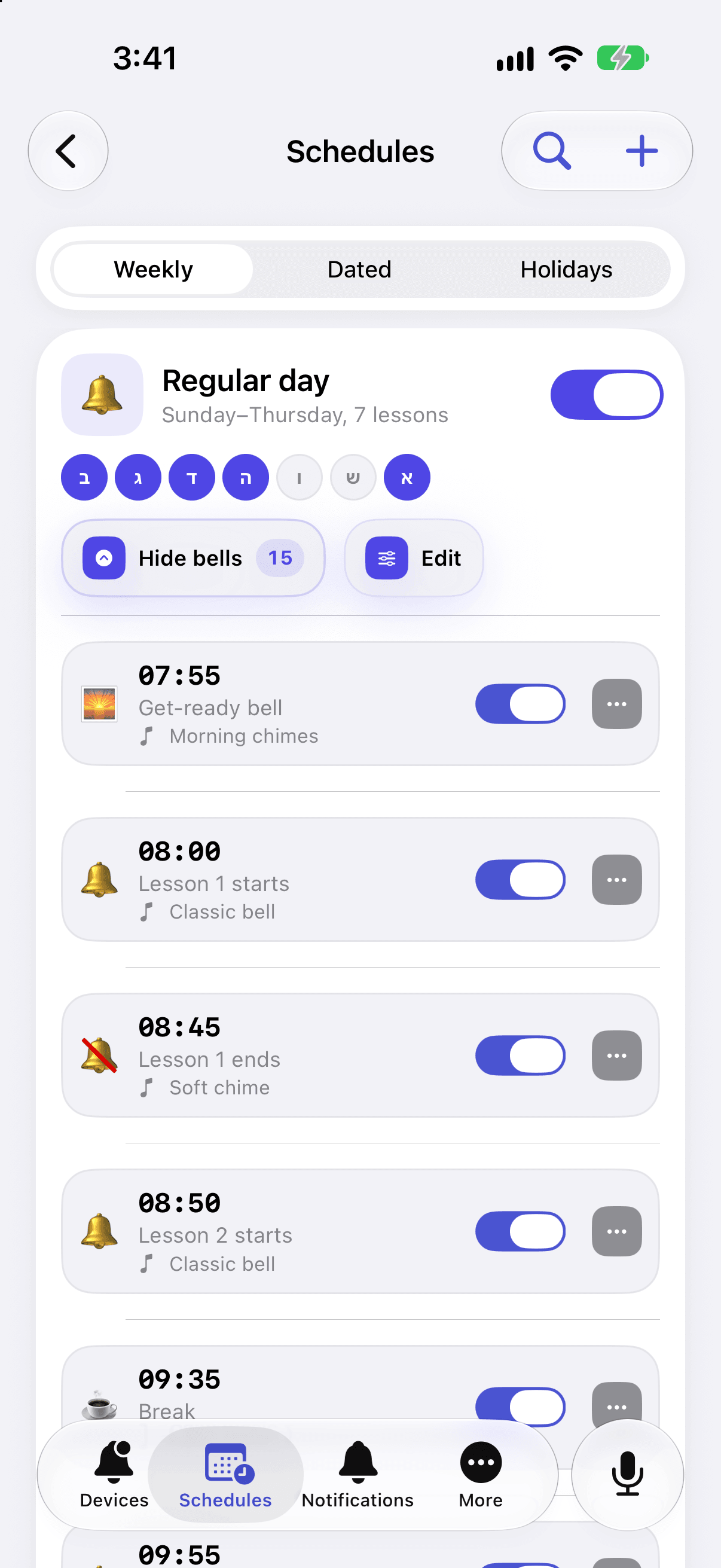
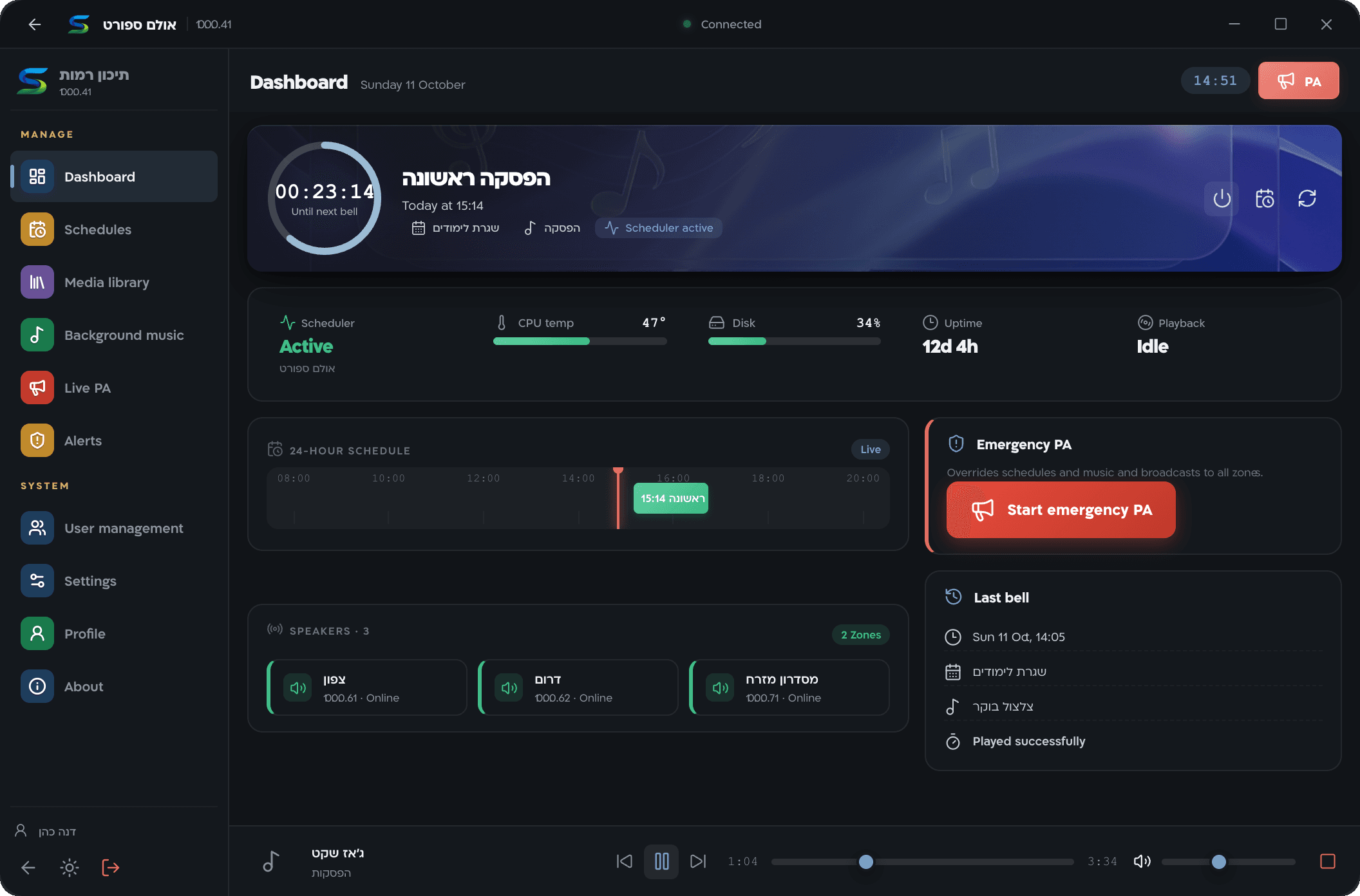
An app for the school office computer: announce from a USB microphone, a floating PA window, and control on the local network even without internet.